> For the complete documentation index, see [llms.txt](https://nebu.gitbook.io/nebu-knowledge-hub/llms.txt). Markdown versions of documentation pages are available by appending `.md` to page URLs; this page is available as [Markdown](https://nebu.gitbook.io/nebu-knowledge-hub/getting-started/quickstart.md).
# Quick Start Guide 🚀
Welcome to NEBU! Follow these simple steps to get started with your cloud configuration management and DevOps journey.
## Step 1: Sign Up
Complete the **sign-up process** to create your NEBU account.
## Step 2: Initialization Process
### Process
#### 🔑 **Provide Cloud Access**
Grant **read-only access** to your cloud provider:
* **AWS**
* **Google Cloud Platform (GCP)**
* **Digital Ocean**
You will need to input your **read-only Access Key** for the chosen cloud platform to allow NEBU to analyze and optimize your configurations safely. If you need guidance [go to the next page](/nebu-knowledge-hub/getting-started/cloud-read-only.md), else continue reading.
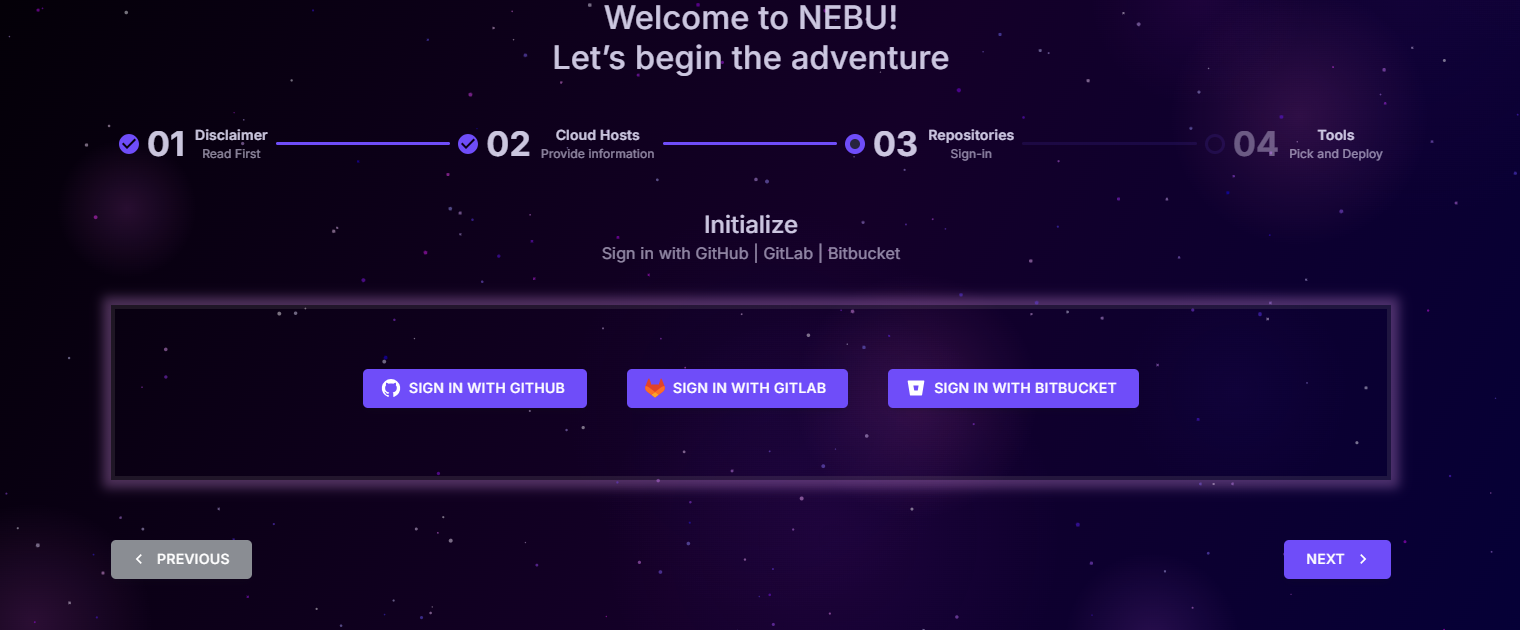
## 🔗 Connect Your Git Provider
1. Click on the **Login** button for your preferred Git provider:
* **GitHub**
* **GitLab**
* **Bitbucket**
2. Authorize NEBU to connect with your repositories to enable infrastructure as code (IaC) workflows, monitoring, and automated deployments.